Monday, February 20, 2012

How to make a screencast with Screencast-O-Matic

I my last post Screencasting for Teachers i shared some screencasting tools and links and also want to force myself to do my first screencasts. Yesterday i did Twitter tutorial to my Finnish colleagues in Finnish language with Screencast-o-Matic.
It was simple and quick tool, perfect for me. I use only one take, give some live feeling to presentation. 

How to make a screencast with Screencast-O-Matic

Saturday, February 11, 2012

Scoop.it! for Teachers

Scoop.it! has been around for a while, but just recently i started my own Scoop.it! and i must say, it has been a good way to collect the best tweets on one topic and share them.Teacher could also collect good links example geography or history class for students or you can create Scoop.it! for whole class.
You can also follow easily other Scoop.its.  


My Scoops:
Education Technology - theory & practice 
iPads in High School
and one for my Finnish colleagues:
Opeskuuppi

Tutorial by Russel Stannard: 

To get started, check this great video tutorial: 
Scoop.it! tutorial: teachertrainingvideos by Russel Stannard 
That is all you need! 

Sunday, February 5, 2012

Animoto - Walk in White Silence

My first Animoto for Teachers post gave some basic information how to use Animoto. Since that i have been using Animoto many times and it is great tool to make emotional videos and thats why it is great for classroom use with students. They can share example their meaningful moments with easy and quick Animoto video. In one class you can take photos and produce a video. 


My moment in our neighbourhood forest, really cold, almost - 30 but so beautiful

Wednesday, February 1, 2012

iPads in Sport High School

Im really proud to start sharing our results from our new project: iPads in 6 Finnish High Schools. I work in Sport High School and we want that our athletes could benefit from iPads in their practice, 3 times a week during school day. Our sport teachers have been really inspired and use iPad every day in different sports. 


Check our first video, some word of experience, lot more to see after this during this spring. 


Sunday, January 8, 2012

Google+ & Hangout for Educators

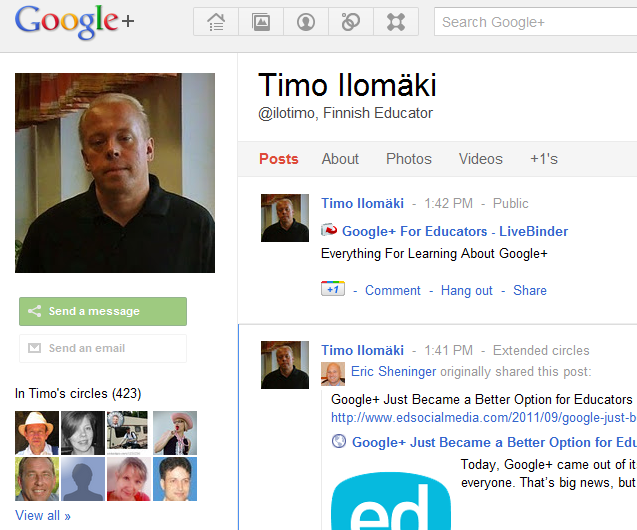
One of year 2012 technology promise to my self was to activate in using  Google+. After using Twitter actively was easy to find great educators around the world in my circles. Google+ is a professional network for me just like Twitter. Google Hangout is also great feature which we use in our online meetings. 
Livebinders: Googleplus for Educators
Cybrarymans Googleplus page
Mashable Google+: The Complete Guide


How to use Google+ Tutorial (Basics) 
by (tbonepearson Travis Gordon)


Peter G McDermott:

How to Use Google+ Hangouts (A Beginners' Guide)


Monday, January 2, 2012

Vimeo for educators

In year 2012 I am going to focus on different video services and screencasting possibilities. 
First there is Vimeo

"Vimeo is the home for videos you create." (Vimeo.com)


What is the Basic use of VimeoYou can upload and share your videos, connect with community, explore videos in different categories, and learn how to make videos in Vimeo Video school


About month ago i made my first Vimeo uploading. Making a video took about 10 minutes and sign in and uploading about 15 minutes, so its easy and quick.  It easy to embed to your blog like Youtube videos.  


Speech about Finnish education system in Teachmeet event in Holywell High School in Wales


Finnish education system by Timo Ilomäki from Timo Ilomäki on Vimeo.